q6699 Withdrawal Guide — Get Your Winnings Out in Minutes
Your q6699 Withdraw Checklist — Five Steps
Complete each step in order. If your KYC is already approved, the whole process takes under three minutes.
-
Log in to your account
Open q6699 in your browser or the app. Tap Log In, enter your phone number and password. If you are on mobile, the q6699 APK loads the cashier faster than a browser.
-
Open the Cashier and choose Withdrawal
Tap the wallet icon at the top right, then select Withdraw. You will see your available balance and any pending bonus rollover.
-
Select your payment method
Choose bKash, Nagad, Rocket, Upay or Bank Transfer. Enter the mobile number or account number that belongs to you — it must match your registered details.
-
Enter the amount
Minimum withdrawal is ৳400. Daily maximum is ৳175,000 for standard accounts. Type the amount and confirm it looks correct before you proceed.
-
Submit and wait for processing
Tap Confirm Withdrawal. Processing typically completes within 41 minutes. For your very first withdrawal, allow up to 2 hours while the team runs a one-time account check.
Before Your First Payout — What KYC Actually Means
q6699 runs a one-time identity check before releasing your first withdrawal. It protects your account from fraud and complies with responsible gaming rules. Upload your documents once, and all future payouts clear automatically.
Accepted documents
- National ID Card (NID)
- Passport
- Driving Licence
Photo requirements
- Both front and back of the document in the same upload session.
- Photo must be clear and unedited — no blurring, no cropping of corners.
- Your face and all text on the document must be fully visible.
- File formats accepted: JPG, PNG or PDF under 8 MB per file.
How to upload
- Go to My Account → Documents in the cashier.
- Select document type (NID, Passport or Driving Licence).
- Tap Upload Front, choose your photo, then repeat for the back.
- Hit Submit for Review. You will see a "Pending" status immediately.
Why Does a Withdrawal Request Get Stuck?
- Bonus wagering not met. If you claimed a bonus, the wagering requirement is 23×. The cashier shows your remaining rollover.Fix Keep playing until the rollover clears, or forfeit the bonus in settings.
- Account name mismatch. The mobile wallet number you entered belongs to a different name than your registered account.Fix Use only wallets registered under your own name. Update account details via Live Chat.
- KYC documents pending. First withdrawal cannot process until identity verification is approved.Fix Upload your NID, Passport or Driving Licence in My Account → Documents and wait up to 6 hours.
- Amount below minimum. Requested less than ৳400.Fix Increase the amount to at least ৳400 before resubmitting.
- Daily limit exceeded. Your requests today already total ৳175,000 (standard) or your VIP cap.Fix Wait until midnight (UTC+06) for the counter to reset, or upgrade your VIP tier.
Payout Speed
Average withdrawal processing time. First-time withdrawal may take up to 2 hours.
Quick Numbers
- Min Withdraw
- ৳400
- Daily Max
- ৳1.75L
- Wagering
- 23×
- KYC Review
- 6 hrs
Section image
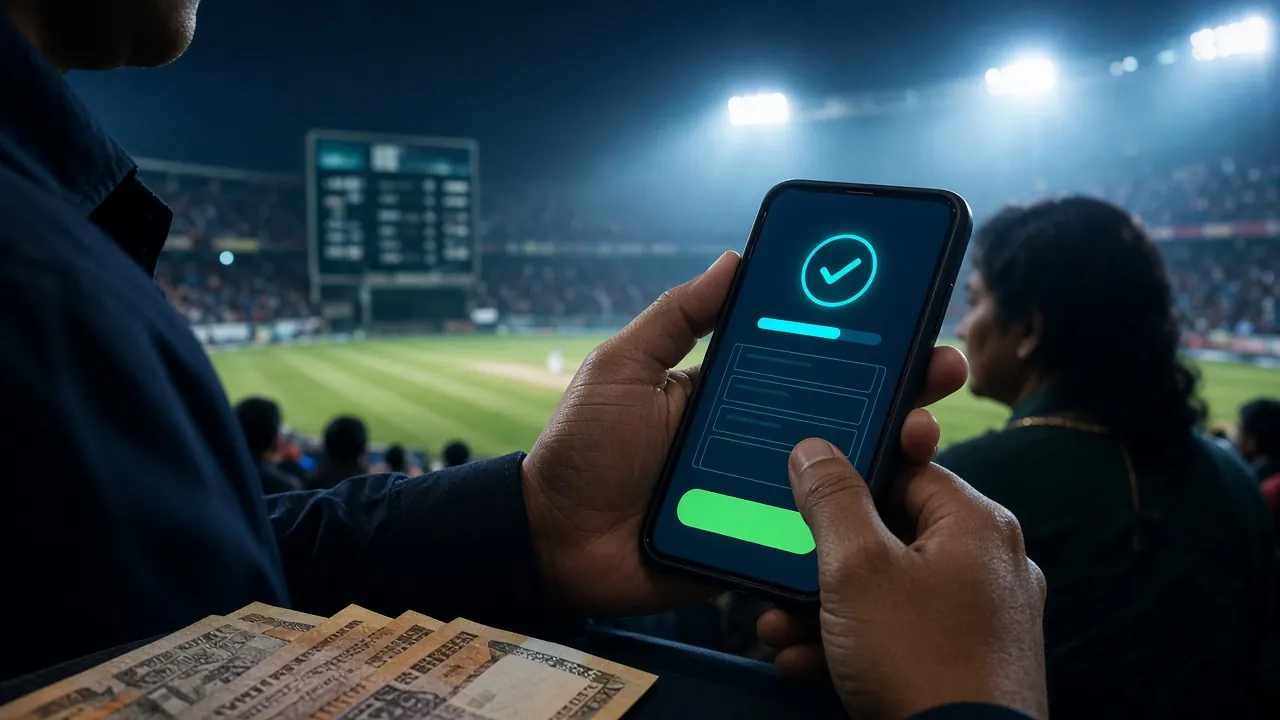
q6699 mobile cashier — fast payouts via bKash, Nagad and more.
q6699 Deposit and Withdrawal Limits by VIP Tier
These are the hard limits that apply to your account right now. Higher VIP tiers unlock bigger daily payouts and faster processing priority. All amounts in BDT.
| Tier | Monthly Turnover | Min Deposit | Min Withdrawal | Daily Withdrawal Cap | Cashback |
|---|---|---|---|---|---|
| All accounts | — | ৳350 | ৳400 | ৳175,000 | — |
| Bronze | ৳0 | ৳350 | ৳400 | ৳180,000 | 0.6% |
| Silver | ৳45,000 | ৳350 | ৳400 | ৳290,000 | 0.7% |
| Gold | ৳160,000 | ৳350 | ৳400 | ৳490,000 | 0.8% |
| Platinum | ৳580,000 | ৳350 | ৳400 | ৳820,000 | 0.9% |
| Diamond | ৳2,100,000 | ৳350 | ৳400 | ৳1,400,000 | 1.0% |
The "All accounts" row shows the system floor regardless of tier. VIP limits always apply when they are higher. See the full VIP breakdown on the Bonus & VIP page.
Which Wallet Works Best for Your Situation?
All five methods at q6699 share the same 41-minute average payout time. The right choice depends on your daily habits, the amount you are withdrawing and how widely your wallet is accepted in your area.
bKash is the most widely used mobile financial service in Bangladesh. It makes sense if you already use it for shopping, bills or sending money to family. Cash-out agents are found even in rural upazila towns, so converting your winnings to cash is straightforward. Best for all amounts.
Nagad is backed by Bangladesh Post Office and has strong reach in areas where bank branches are sparse. If you live outside Dhaka or Chittagong, Nagad agents often outnumber bKash points. Good for mid-sized withdrawals and for players who already use Nagad for utility bills.
Rocket (Dutch-Bangla Bank) is a solid choice if you also hold a Dutch-Bangla bank account, because money moves directly between the wallet and your savings account without an extra transfer step. Useful when you want your winnings sitting in a bank balance rather than a mobile wallet.
Upay is linked to United Commercial Bank and suits players who prefer a bank-backed wallet with a clean app interface. Withdraw limits on the Upay side are generous for mid-to-high amounts. If you are already a UCB customer, this removes an extra account layer entirely.
- bKash Deposit: ~4 min Withdrawal: ~41 min
- Nagad Deposit: ~4 min Withdrawal: ~41 min
- Rocket Deposit: ~4 min Withdrawal: ~41 min
- Upay Deposit: ~4 min Withdrawal: ~41 min
- Bank Transfer Deposit: ~4 min Withdrawal: ~41 min
What Should You Do in Your Specific Situation?
Here are four common player situations and the exact steps that apply. Find the one that matches you and follow it straight through.
New player making their first withdrawal
You just won during your first session and want to cash out ৳600. First, go to My Account → Documents and upload your NID (front and back). The team will review it within 6 hours. Once approved, go to the cashier, enter ৳600, pick bKash, and submit. Expect the money in roughly 2 hours for this first request. All future withdrawals clear in around 41 minutes.
Withdrawing entirely from your phone on the commute
Download the q6699 APK from the APK page for the smoothest mobile cashier experience. Open the app, tap the wallet icon, choose Withdrawal, pick Nagad (since it works well on mobile data), enter your amount and confirm. The whole submission takes under a minute. You will get a push notification when the payment lands.
Big win after a weekend cricket match
You have ৳90,000 to withdraw after a strong BPL weekend. That is well within the standard daily cap of ৳175,000. Pick Bank Transfer if you want it to land directly in your savings account, or bKash if you need fast liquidity. If you are Silver tier, your cap is ৳290,000 so there is no issue. Submit in one go — no need to split the request.
You claimed a bonus and the withdrawal is blocked
If your request shows "Wagering in progress", the 23× rollover on your bonus is not yet complete. Open the cashier and check the rollover tracker. You have two options: keep playing eligible slots or live casino games until the balance clears, or tap Forfeit Bonus in the settings — this cancels the remaining bonus and unlocks the withdrawal immediately.
Questions Players Ask About Withdrawals
How long does a q6699 withdrawal actually take?
Is there a fee for withdrawing?
Can I withdraw to a different bKash number than the one I deposited with?
What is the minimum I can withdraw from q6699?
Do I need to submit KYC documents every time?
My withdrawal has been pending for over an hour — what should I do?
Need Help Right Now?
Our support team is available 24 hours a day, 7 days a week. For withdrawal issues, have your transaction reference number ready when you open a chat.
Open Live ChatResponsible Gaming
Set deposit and loss limits in your account settings. If gambling feels out of control, visit our Responsible Gaming page.
18+ · Play Responsibly
Ready to Start Winning at q6699?
Open an account in under two minutes, make your first deposit from just ৳350, and your winnings are yours to withdraw whenever you want via bKash, Nagad or Bank Transfer.